
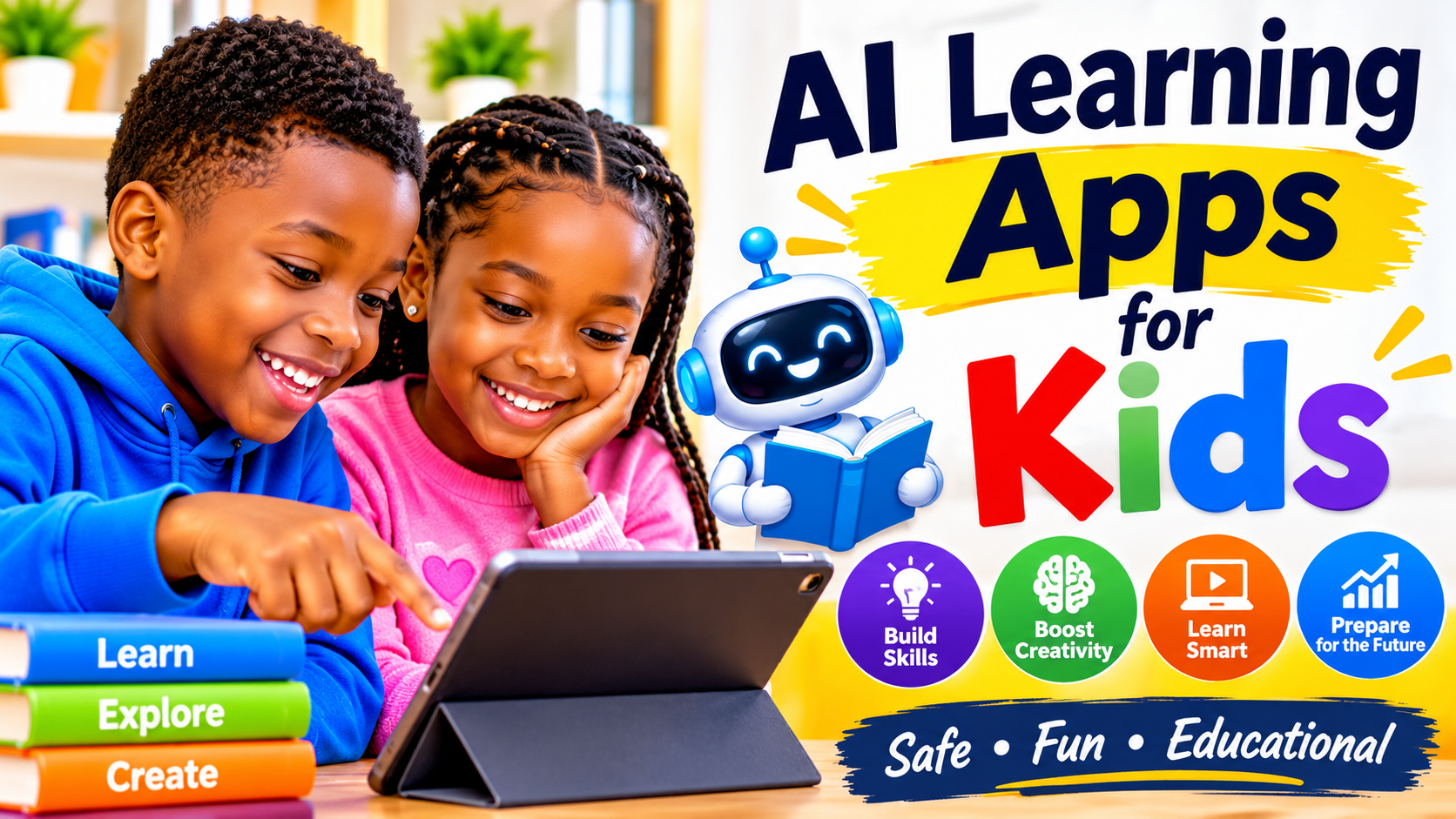
AI learning apps for kids can adjust a lesson to your child’s exact pace in seconds—but they can also generate a confident wrong answer or collect more personal data than your family realizes.
Because not every “smart” educational tool actually builds understanding, choosing the right software matters just as much as setting screen-time boundaries. In this guide, you will learn how to evaluate AI learning apps for kids, set safe privacy and age limits, and measure whether your child is truly learning. Every decision comes down to one simple question: Does the app help your child think, or simply hand them the answers?
Match the App to Your Child’s Learning Needs
The best AI learning apps for kids act like a patient study partner rather than a noisy arcade game. Before downloading anything, look closely at how the app teaches.
Start With One Clear Goal
Pick one specific skill you want to support—such as early phonics, multiplication facts, reading comprehension, or beginner Spanish—rather than installing five general apps at once. Match the tool to your child’s current age, reading level, and natural interests so the lessons feel challenging without causing frustration.
Look for Signs of Real Learning
Flashy animations, confetti, and streak badges keep kids tapping, but they do not guarantee comprehension. Look for AI learning apps for kids that offer scaffolded hints, targeted practice, and clear explanations when a child misses a question. Strong learning tools break skills into small, logical steps and turn mistakes into a guided second try.
Make Room for a Child’s Own Thinking
Favor tools that prompt children to explain their reasoning, test an idea, and revise their own work. Avoid homework-solver apps that scan a worksheet and spit out the finished solution without teaching the steps—those tools train kids to bypass effort rather than build problem-solving confidence.
Compare App Types and Real-World Examples
Different AI learning apps for kids serve very different learning styles. Comparing how real platforms work helps you spot the right fit for your child.
AI Tutors Can Guide Practice
Conversational AI tutors use Socratic questioning to nudge students toward the right answer instead of solving problems for them. For example, Khan Academy’s Khanmigo provides AI-powered tutoring and writing support across math, science, and humanities, guiding students step by step while alerting parents and teachers to safety flags. Before letting your child use any AI tutor, review its minimum age rules, parent-linked account setup, and adult monitoring controls.
Reading Tools Can Give Practice and Feedback
Speech-enabled reading apps listen as children read stories aloud and offer gentle pronunciation help when they stumble. For example, Google Read Along uses speech recognition technology to support early readers with instant verbal feedback and encouragement. Always check current app features, device compatibility, and regional availability, as educational tools update their offerings over time.
Use a Short Trial to Judge Fit
Sit beside your child during a 15-minute trial session. Watch whether they stay focused on the lesson or get distracted by menus and avatars, and ask them to explain what they learned once the screen turns off. Compare the app’s progress feedback against a printed book, a quick paper worksheet, or a check-in with their teacher.
Check Safety, Privacy, and Screen Time
Because AI learning apps for kids often process voice audio, typed responses, and learning behavior, safety and privacy checks belong at the top of your checklist.
Find Out What Data the App Collects
Open the app’s privacy policy before creating a child profile and check four details:
- Data types collected: Check whether the app stores voice recordings, full names, location data, or open-ended chat logs, and whether that data is used to train AI models.
- Third-party sharing: Confirm that child data is never sold or shared with behavioral advertisers.
- Parent controls and deletion: Look for a parent dashboard, clear instructions to delete your child’s account and data, and an obvious way to report inaccurate or unsafe AI responses.
Set Age Limits and Adult Support
In its 2023 global guidance on generative AI in education, UNESCO recommended a minimum age of 13 for independent classroom use of generative AI tools. While that recommendation is expert guidance rather than a law, it highlights why younger children need close adult supervision and age-gated platforms designed specifically for kids rather than open-ended adult chatbots. Always check each app’s own age terms before signing up.
Keep Screen Use Balanced
Even high-quality AI learning apps for kids work best when paired with offline play, reading, and face-to-face conversation. For young children ages 2 to 5, American Academy of Pediatrics (AAP) guidance has long emphasized limiting routine screen use to around one hour a day of high-quality programming with an adult joining in—and newer AAP guidance continues to stress content quality, co-viewing, and protecting sleep, physical play, and family time.
As the American Academy of Pediatrics puts it: “Media is just another environment. Kids do the same things they have always done, only virtually.”
Test Whether the App Helps Children Learn
A high score inside an app doesn’t always transfer to real life. Use simple offline checks to see if the tool is genuinely helping.
Track Progress Beyond App Scores
Once a week, ask your child to demonstrate or explain a concept away from the tablet—such as sounding out a new word in a bedtime book or solving two math problems on paper. Look for steady gains in accuracy, clearer explanations, and greater willingness to stick with tricky problems.
Watch for Common Warning Signs
| Warning Sign in the App | What It Means for Your Child’s Learning |
| Rewards fast guessing over careful thought | Your child rushes through prompts to earn coins without understanding the material. |
| Repeats identical drills with vague feedback | The AI isn’t truly adapting to your child’s mistakes or explaining why an answer is wrong. |
| Child copies AI output directly | The tool is acting as a shortcut rather than teaching independent thinking. |
Ask Teachers What Skills Need Support
Share the app’s name and your learning goal with your child’s classroom teacher. Teachers can tell you which foundational skills need extra practice at home and help you spot any differences between how the app teaches a method (such as long division or phonics rules) and how it is taught in class.
Build a Simple Family Plan
A structured routine keeps AI learning apps for kids purposeful and prevents them from turning into endless background screen time.
Set a Short Trial Period
Test one app for two weeks with a clear skill goal and predictable session windows (such as 15 to 20 minutes after snack time, three days a week). If your child feels stressed, repeatedly hits a wall, or shows zero offline progress after two weeks, cancel the trial and try a better-fitting tool.
Use the App Together at First
Sit together during the first few sessions and ask open-ended coaching questions like, “How did you work that out?” and “What could you try next?” Use those moments to teach two essential digital literacy rules: AI tools can make mistakes, and children should never type their full name, school, address, or phone number into any chat box.
Review and Adjust as Your Child Grows
Every few months, review your child’s learning progress, tighten privacy settings, and check whether they have outgrown the app’s difficulty level. Keep an app on your family’s device only if it builds real skills your child can use confidently away from the screen.
Choose the App That Builds Skills Beyond the Screen
The best AI learning apps for kids don’t replace parents, teachers, or hands-on curiosity—they reinforce them. Pick one age-appropriate app aligned with a single skill goal, supervise the early sessions, and check privacy controls before your child logs in. Keep the tool only if your child is genuinely learning, staying safe, and carrying those new skills into everyday life.
ALSO READ: Best Apps to Make Money From Your Phone