
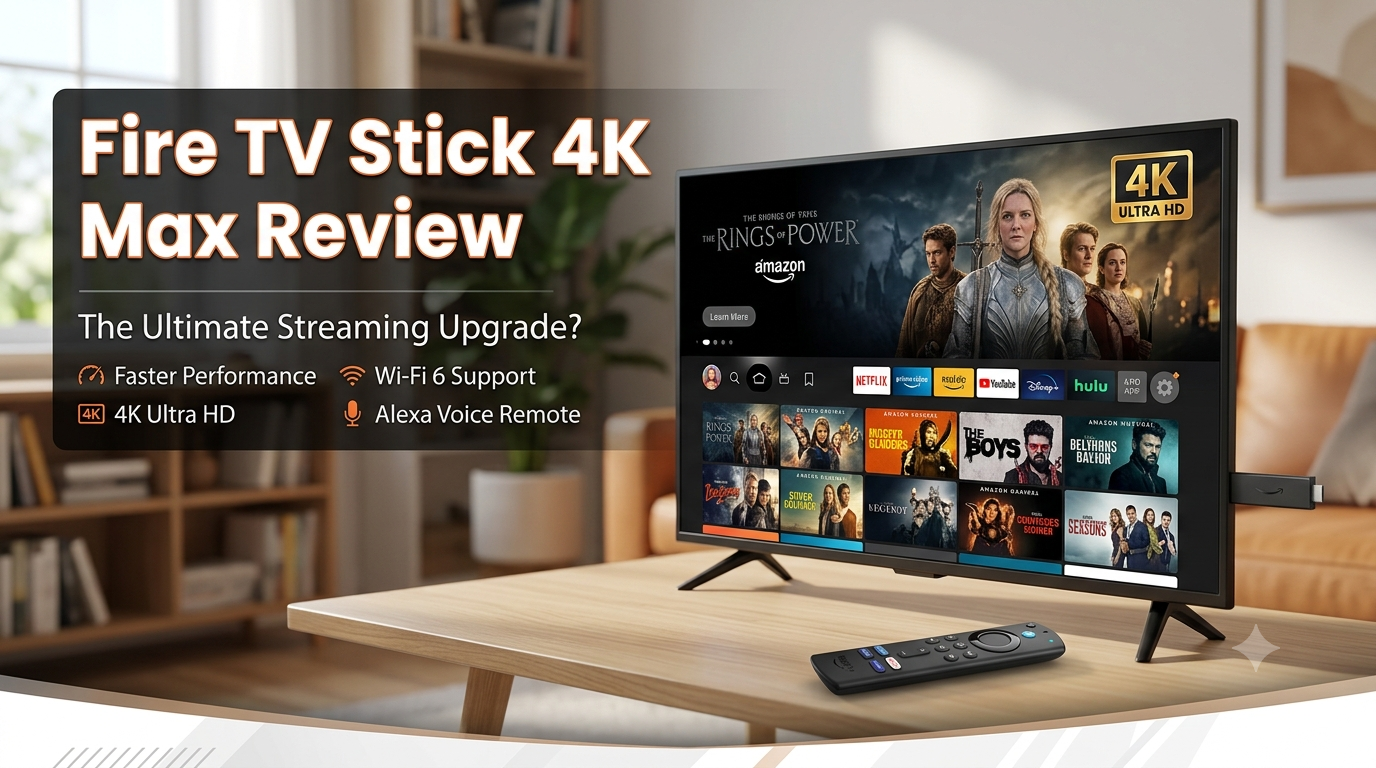
Is Fire TV Stick 4K Max Still the Best Streaming Device for Most People?
Introduction
Streaming devices have become one of the most affordable ways to transform an older television into a modern entertainment hub. Instead of replacing a perfectly functional TV, many people choose a streaming stick that unlocks access to thousands of movies, TV shows, live channels, and smart home features.
Among the most popular options available today is the Amazon Fire TV Stick 4K Max. Positioned as Amazon’s premium streaming stick, it promises faster performance, stunning 4K visuals, Wi-Fi 6E connectivity, Dolby Vision support, Dolby Atmos audio, and seamless Alexa integration.
But with strong competition from Roku, Google TV Streamer, and Apple TV 4K, the real question is simple:
Is the Fire TV Stick 4K Max still worth buying in 2026?
In this review, we’ll take a detailed look at the Fire TV Stick 4K Max’s design, setup process, performance, streaming quality, smart home features, app support, and overall value. We’ll also compare it directly against its biggest competitors to help you decide whether it’s the right streaming device for your home.
Quick Verdict
The Fire TV Stick 4K Max remains one of the best streaming devices for most people in 2026. It offers excellent speed, impressive 4K playback, robust smart home controls, and strong value for money. While Amazon’s interface can feel promotional at times, its overall feature set is hard to beat at this price point.
What Is the Amazon Fire TV Stick 4K Max?
The Fire TV Stick 4K Max is Amazon’s high-performance streaming media player designed to bring smart TV functionality to nearly any television with an HDMI port.
Key Specifications
- 4K Ultra HD support
- HDR10, HDR10+, and HLG
- Dolby Vision
- Dolby Atmos audio
- Wi-Fi 6E compatibility
- Alexa Voice Remote
- Fire OS operating system
- Access to thousands of streaming apps
What’s Included in the Box
Inside the package, you’ll find:
- Fire TV Stick 4K Max
- Alexa Voice Remote
- USB power adapter
- HDMI extender cable
- Two AAA batteries
- Quick Start Guide
Price and Availability
The Fire TV Stick 4K Max typically retails between $49.99 and $59.99, depending on promotions and regional pricing. Amazon frequently discounts the device during major shopping events such as:
- Prime Day
- Black Friday
- Cyber Monday
- Holiday sales
During these periods, buyers can often save 30–50%, making it one of the best streaming bargains available.
Design and Setup
Compact and Hidden Design
One of the biggest advantages of the Fire TV Stick 4K Max is its simplicity. The device plugs directly into your TV’s HDMI port and remains completely hidden behind the screen.
Unlike bulky streaming boxes, there’s no need for additional shelf space or visible hardware.
The included HDMI extender is useful for TVs with tight port spacing or difficult mounting positions.
Installation Process
Getting started is straightforward:
- Plug the Fire TV Stick into an HDMI port.
- Connect the power adapter.
- Turn on the TV and select the correct input.
- Connect to Wi-Fi.
- Sign in with your Amazon account.
- Install updates and complete setup.
How Long Setup Takes
For most users, the entire process takes approximately 10 to 20 minutes, depending on internet speed and software updates.
First Impressions
The setup wizard is beginner-friendly and walks users through each step clearly. Navigation feels intuitive from the start, and pairing the remote is nearly effortless.
The only minor frustration is that Amazon encourages several account and service integrations during setup, which some users may prefer to skip.
Performance: Is It Actually Fast?
Processor and Memory Improvements
Streaming devices often become frustrating when menus lag, apps freeze, or searches take too long.
The Fire TV Stick 4K Max addresses these issues with upgraded hardware designed to improve responsiveness throughout the Fire TV experience.
Compared to entry-level streaming sticks, performance feels noticeably quicker.
Menu Navigation
Daily navigation is one of the strongest aspects of the Fire TV Stick 4K Max.
Menus load quickly, scrolling remains smooth, and content recommendations appear almost instantly.
Users will notice:
- Faster app launches
- Responsive home screen navigation
- Minimal delays when searching
- Quick Alexa responses
Multitasking Performance
Switching between applications feels fluid.
For example:
- Open Netflix
- Jump to Disney+
- Switch to YouTube
- Return to Netflix
The device handles these transitions without significant slowdowns.
Returning to recently used apps is generally faster than on budget streaming devices.
Real-World Testing
In everyday use, performance remains consistently strong.
Launching Netflix takes only a few seconds.
Disney+ loads rapidly and begins playback quickly.
YouTube browsing feels smooth, even when navigating large video libraries.
Voice searches are typically processed within seconds, making content discovery fast and convenient.
Performance Verdict
The “Max” branding is justified.
While the difference may not be dramatic for casual viewers upgrading from a recent streaming device, users coming from older Fire TV sticks or built-in smart TV software will notice a substantial improvement.
Performance is one of the strongest reasons to buy this device.
Streaming Quality and Viewing Experience
4K Streaming Performance
The Fire TV Stick 4K Max delivers excellent image quality on compatible televisions.
4K content appears:
- Sharp
- Detailed
- Vibrant
- Consistent
Movies and TV shows benefit from enhanced clarity, especially on larger screens.
HDR Performance
HDR content provides improved brightness and contrast.
Highlights appear more realistic while dark scenes retain greater detail.
Whether watching blockbuster films or nature documentaries, HDR support significantly improves the viewing experience.
Dolby Vision Support
Dolby Vision is one of the standout features of the Fire TV Stick 4K Max.
Compatible TVs can take advantage of scene-by-scene image optimization that enhances:
- Contrast
- Brightness
- Color depth
The result is a more cinematic presentation that feels closer to premium home theater systems.
Dolby Atmos Audio
For users with compatible soundbars or surround sound systems, Dolby Atmos support adds impressive immersion.
Atmos creates a more spacious soundstage that can make movies, sports, and games feel significantly more engaging.
Internet Requirements
For smooth streaming, the following speeds are recommended:
| Content Type | Recommended Speed |
| HD Streaming | 5–10 Mbps |
| Full HD Streaming | 10–15 Mbps |
| 4K Streaming | 25 Mbps+ |
| HDR/Dolby Vision | 25–50 Mbps |
Buffering and Reliability
With a stable internet connection, buffering is rare.
The inclusion of Wi-Fi 6E support helps improve performance in busy households where multiple devices share bandwidth.
Extended viewing sessions remain stable and reliable.
Alexa and Smart Home Features
Voice Search
Alexa integration remains one of the Fire TV Stick 4K Max’s biggest advantages.
Users can simply press the microphone button and ask:
- “Find action movies.”
- “Open Netflix.”
- “Show comedy shows.”
- “What’s the weather today?”
- “What’s the latest sports score?”
Voice recognition is generally accurate and significantly faster than typing with a remote.
Smart Home Controls
The Fire TV interface can also serve as a smart home dashboard.
Users can control compatible devices such as:
- Smart lights
- Smart plugs
- Security cameras
- Video doorbells
- Smart thermostats
This allows homeowners to manage connected devices directly from their television.
Echo Device Integration
The Fire TV works exceptionally well with Amazon Echo devices.
Examples include:
- Echo Dot
- Echo Show
- Echo speakers
You can ask Alexa-enabled speakers to launch content, pause playback, adjust volume, or control smart home devices.
Everyday Convenience
In practical use, Alexa saves time throughout the day.
Instead of navigating menus manually, users can launch apps, search movies, and manage connected devices using simple voice commands.
For households already invested in the Amazon ecosystem, this integration adds meaningful value.
App Selection and Content Availability
Major Streaming Services Supported by Fire TV Stick 4K Max
The Fire TV Stick supports virtually all major streaming platforms.
Popular options include:
- Netflix
- Prime Video
- Disney+
- YouTube
- Hulu
- Max
- Peacock
- Paramount+
- Crunchyroll
Most users will find every major service they need.
Live TV Options
Live television services are also widely supported.
Examples include:
- YouTube TV
- Sling TV
- Hulu + Live TV
- Fubo
- Philo
Music Streaming Apps
Music listeners can access:
- Spotify
- Amazon Music
- Apple Music
- Pandora
- Tidal
Are There Any Missing Apps?
For most buyers, app availability will not be a concern.
Occasional regional restrictions may apply, but the platform supports nearly every major streaming service available today.
Fire TV Stick 4K Max vs The Competition
Fire TV Stick 4K Max vs Roku Streaming Stick
Roku remains popular because of its simple, clean interface.
However, Fire TV offers:
- Better voice controls
- Stronger smart home integration
- More Alexa functionality
Roku wins for simplicity, while Fire TV wins for features.
Fire TV Stick 4K Max vs Google TV Streamer
Google TV excels at personalized recommendations and integrates naturally with Android devices.
However, Fire TV often provides:
- Better sale pricing
- Stronger Alexa features
- Excellent smart home controls
Android users may prefer Google TV, but Fire TV remains highly competitive.
Fire TV Stick 4K Max vs Apple TV 4K
Apple TV 4K is arguably the premium option.
Advantages include:
- Faster overall performance
- Cleaner interface
- Better integration with Apple products
However, it costs significantly more.
Many buyers will find that this Fire TV Stick delivers 80–90% of the experience for a fraction of the price.
Which One Offers the Best Value?
For overall value, the Fire TV Stick 4K Max is difficult to beat.
It combines premium features, strong performance, and affordable pricing better than most competitors.
Pros and Cons
Pros
- Fast and responsive performance
- Excellent 4K streaming quality
- Dolby Vision and Dolby Atmos support
- Strong Alexa integration
- Smart home controls
- Easy setup process
- Frequent discounts and promotions
- Great value for money
Cons
- Amazon-heavy interface
- Promotional content on the home screen
- Some advanced features work best within the Amazon ecosystem
- Not as clean as Apple TV’s interface
Who Should Buy the Fire TV Stick 4K Max?
Great For
This is an excellent choice for:
- Amazon Prime subscribers
- Alexa users
- Budget-conscious buyers
- Families upgrading older TVs
- Smart home enthusiasts
Maybe Skip If
You may want to consider alternatives if:
- You strongly prefer Google’s ecosystem
- You’re deeply invested in Apple devices
- You want the cleanest possible interface
- You dislike promotional recommendations
Final Verdict: Is the Fire TV Stick 4K Max Worth It in 2026?
Ratings
| Category | Rating |
| Performance | 9/10 |
| Features | 9/10 |
| Ease of Use | 8.5/10 |
| Value for Money | 9.5/10 |
| Overall Score | 9/10 |
The Amazon Fire TV Stick 4K Max remains one of the strongest streaming devices available in 2026.
Its combination of fast performance, excellent 4K picture quality, Dolby Vision support, Dolby Atmos audio, Wi-Fi 6E connectivity, and Alexa-powered smart home controls creates a compelling package that appeals to a wide range of users.
While the interface leans heavily into Amazon’s ecosystem and includes promotional content, these drawbacks are relatively minor considering the device’s capabilities and price.
Buying Recommendation
If you’re looking for a fast, feature-rich streaming device that combines excellent 4K playback with useful smart home controls, the Fire TV Stick 4K Max remains one of the strongest options in its price range. However, buyers heavily invested in Google’s or Apple’s ecosystems may find better alternatives elsewhere.
For most households, though, it’s an easy recommendation and continues to represent outstanding value in the streaming device market.
ALSO READ: Amazon Wall Art I’d Buy Twice (And Why You Probably Will Too)